What’s new
The new PTT Chat is here.
On November 6 we moved everyone to a completely rebuilt PTT Chat, and we’ve kept shipping since. Here’s everything that’s new, newest first.
November 8, 2026New
Hosts can theme their chat.
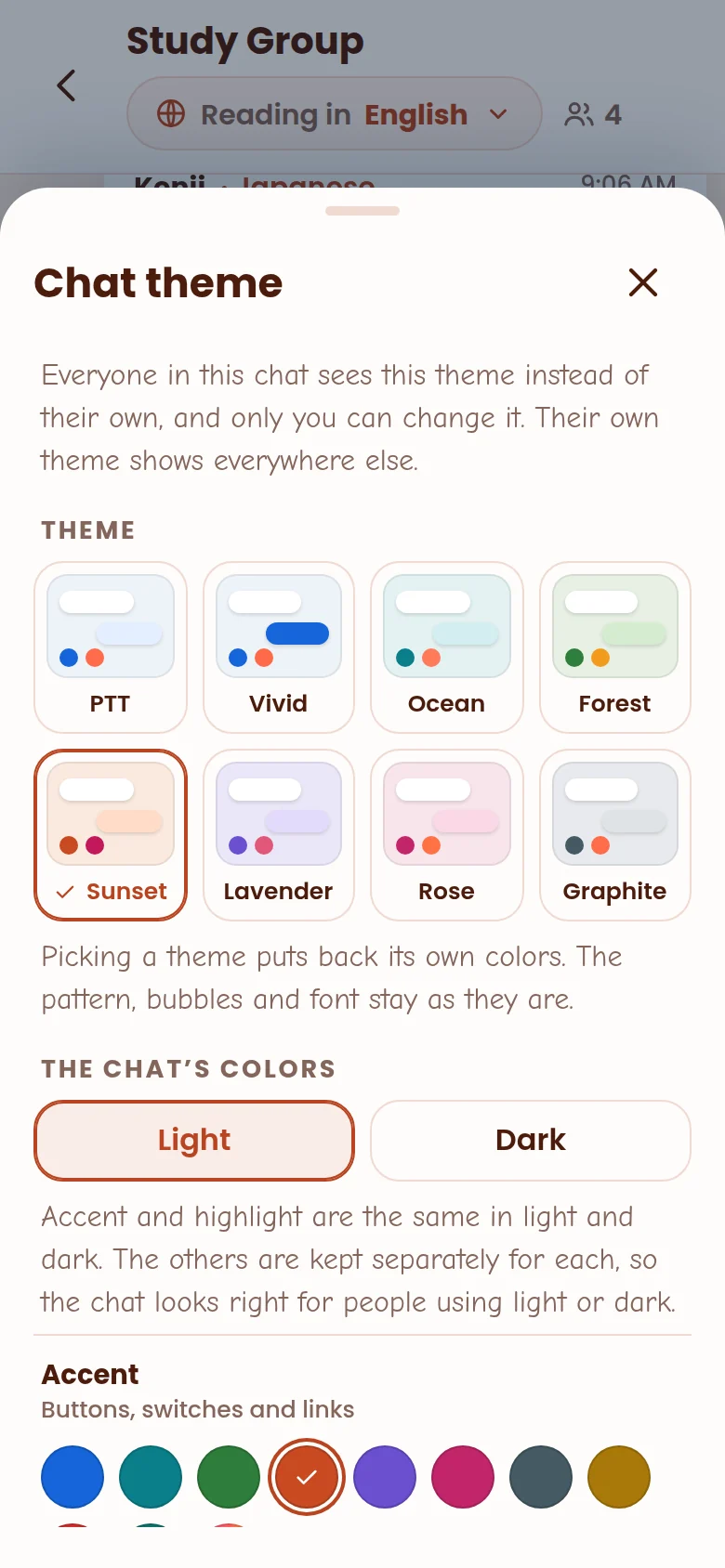
Running a class, a podcast or a public chat? Give it a look of its own. In any chat you host, open Menu → Chat theme and pick its colors, background and bubbles. Everyone in the chat sees your theme while they’re in it, only you can change it, and their own theme comes back when they leave.
November 7, 2026
Themes: make PTT Chat yours.
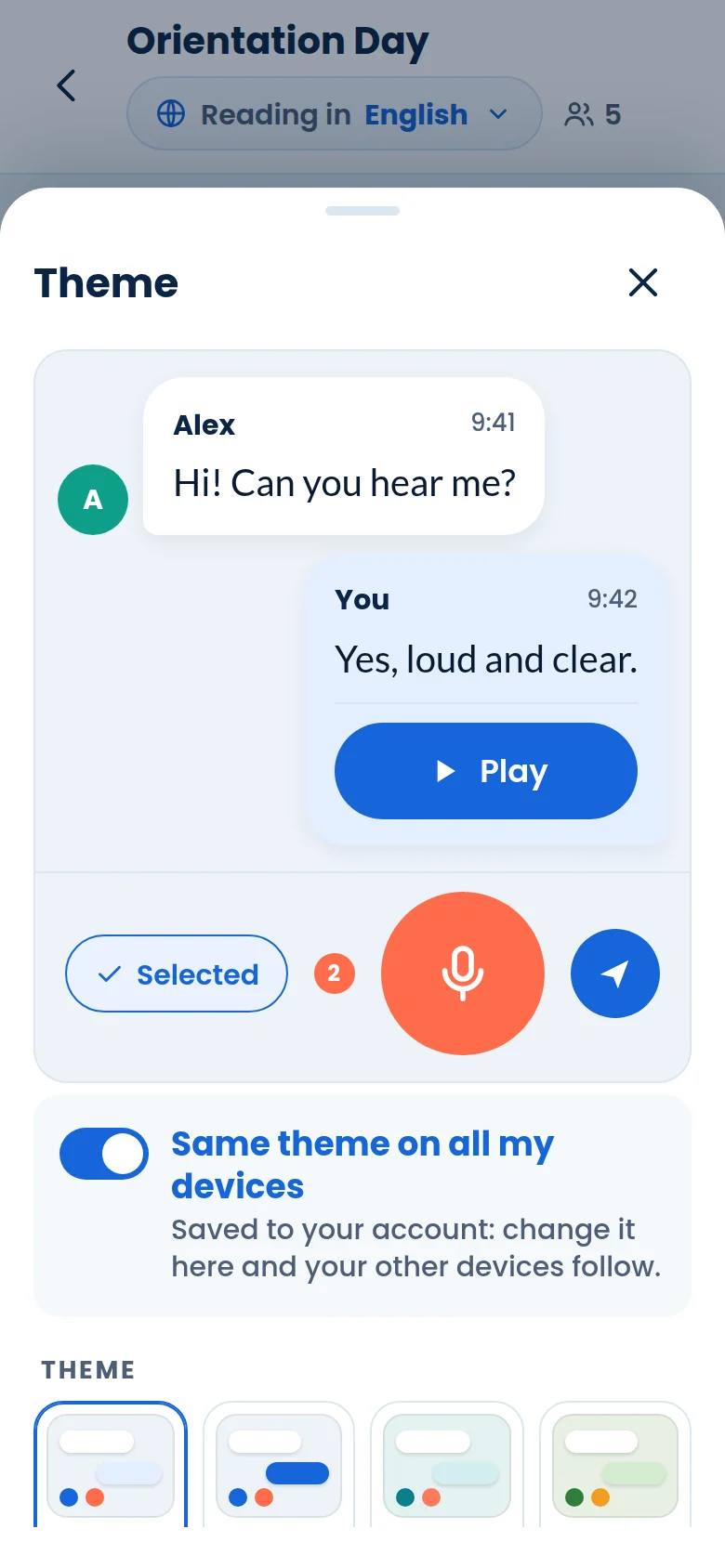
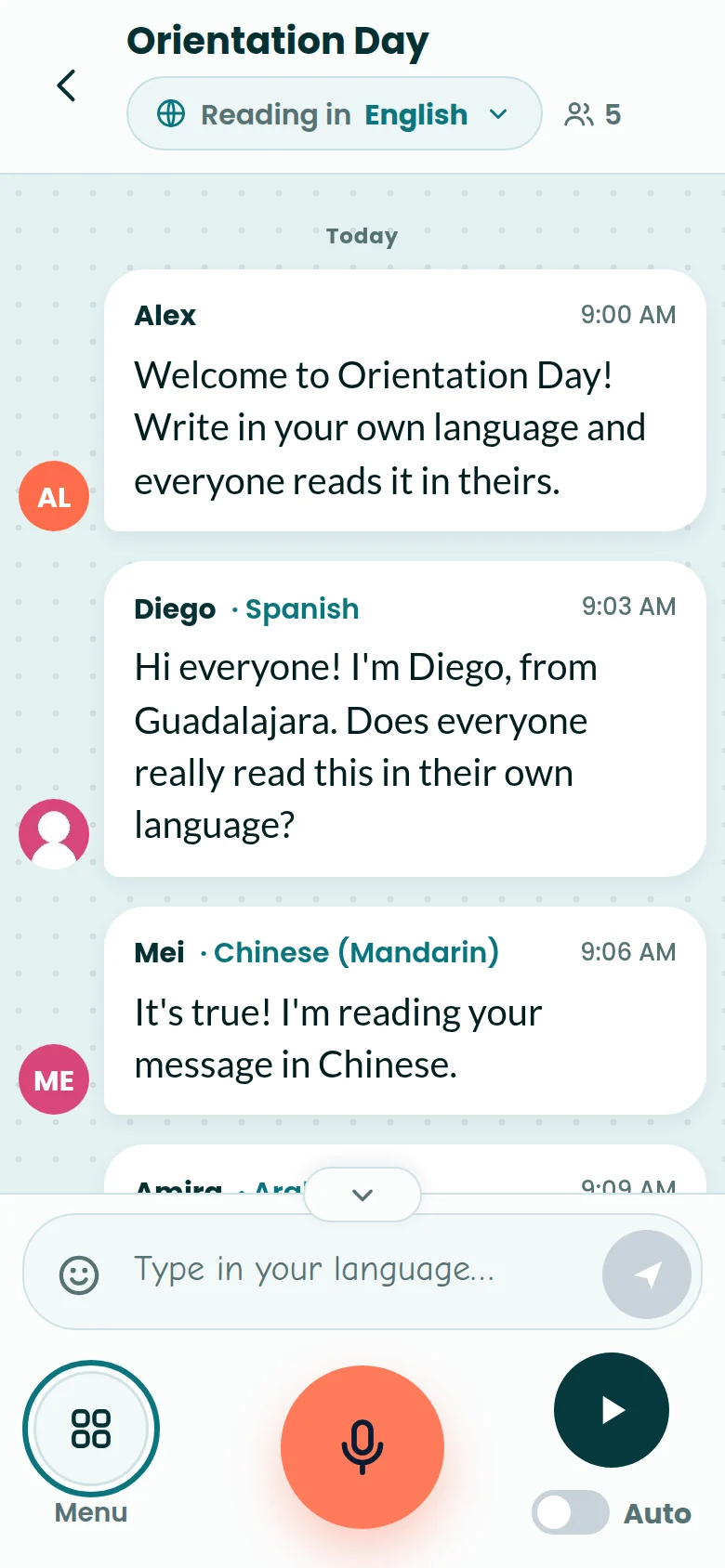
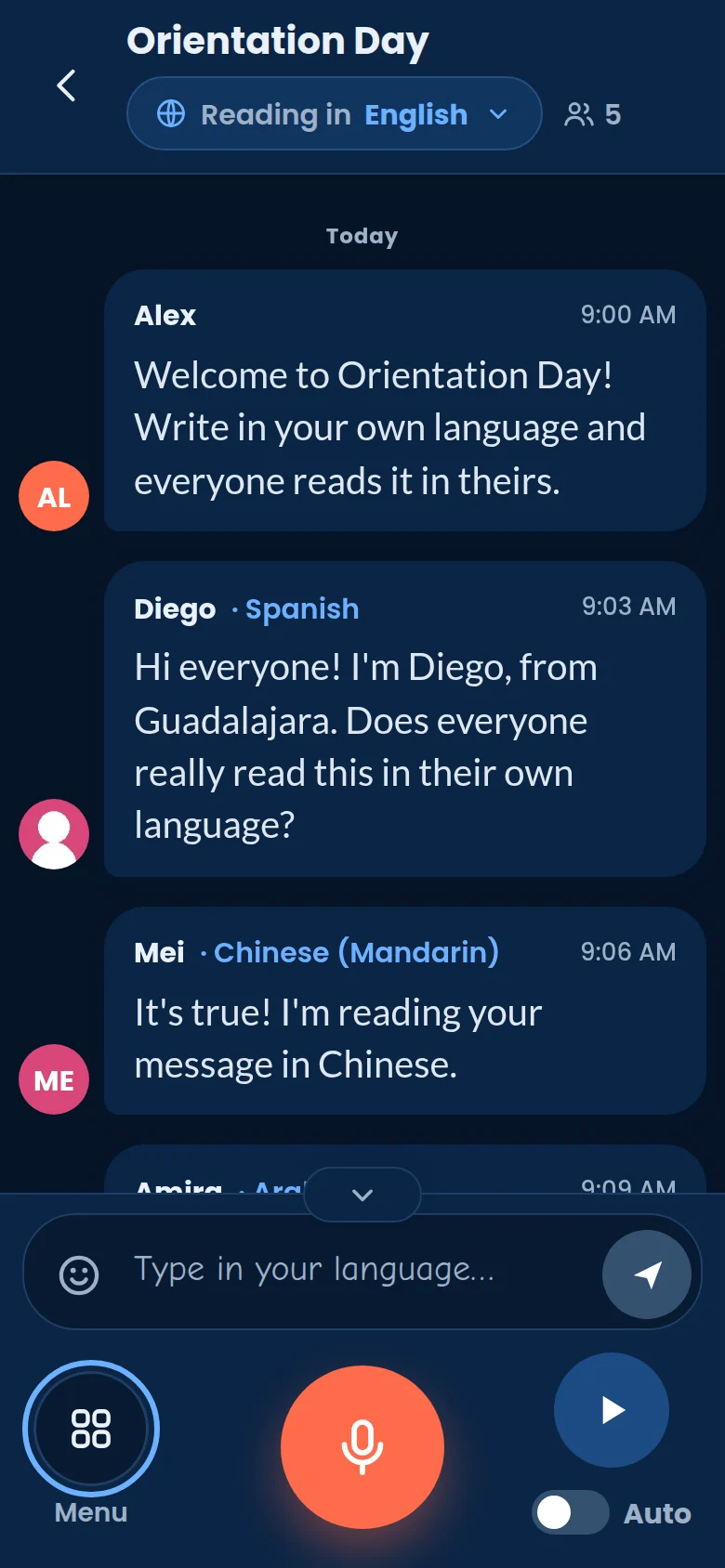
Open Display → Theme for eight ready-made themes: PTT, Vivid, Ocean, Forest, Sunset, Lavender, Rose and Graphite. Or choose your own colors for buttons, highlights, the chat background and both kinds of bubble, then add a background pattern, a bubble shape and the font you like.
- Whatever you pick, PTT keeps the text easy to read.
- Light and dark keep their own colors, so Automatic looks right both ways.
- Same theme on all my devices: change it once and every device you’re signed in on follows within a second.
- Back to PTT’s own look puts everything back.
November 6, 2026
Alerts, and a New section at the top.
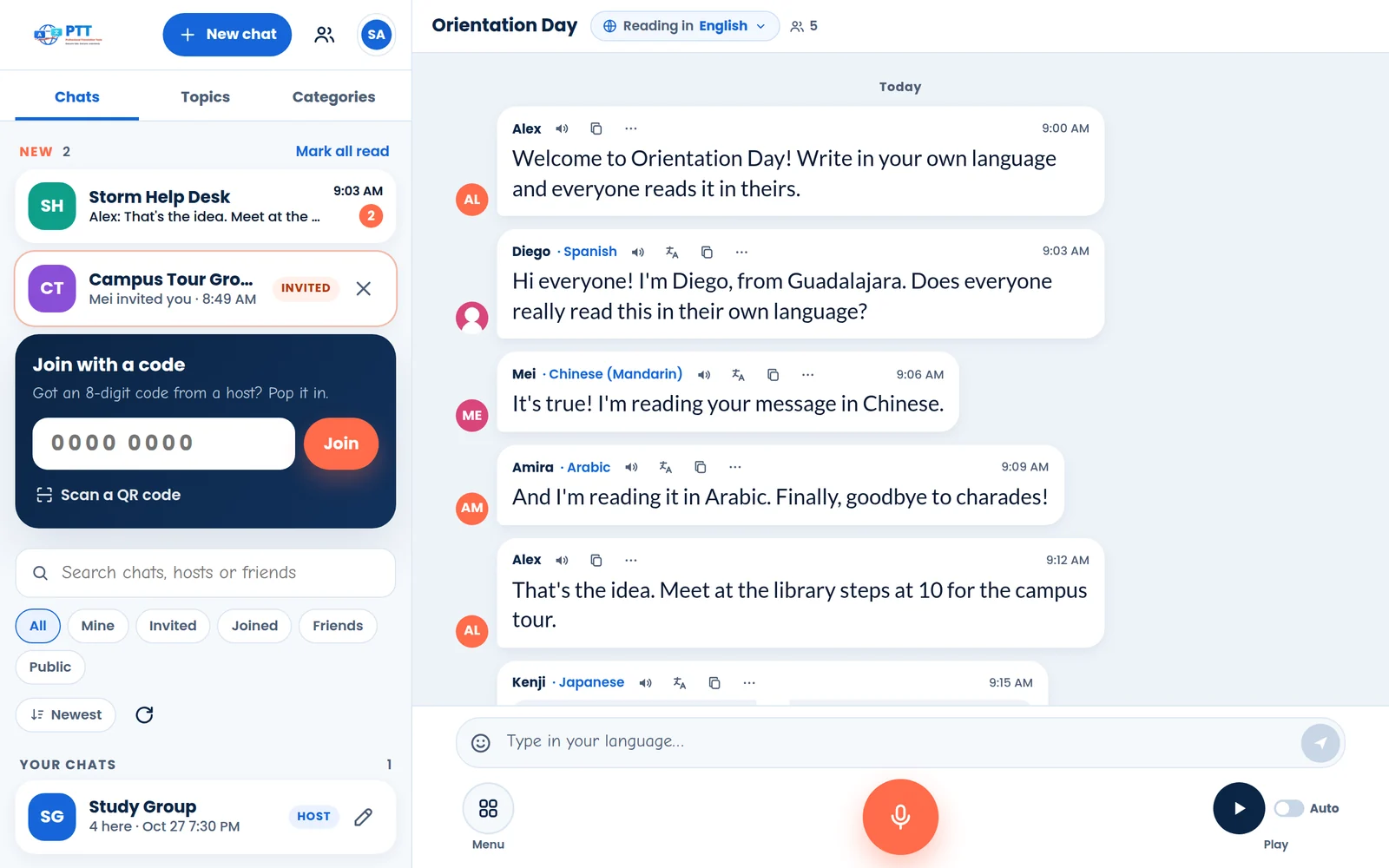
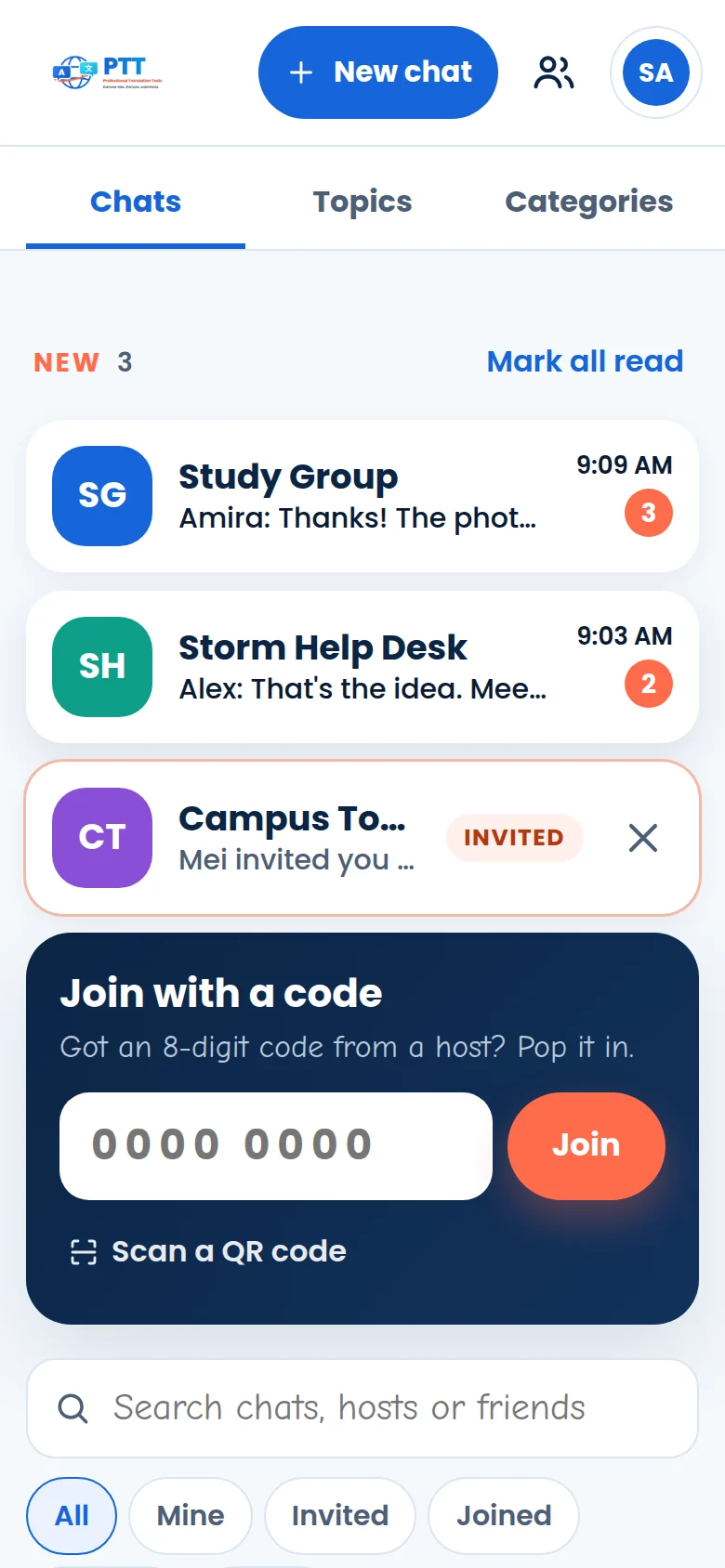
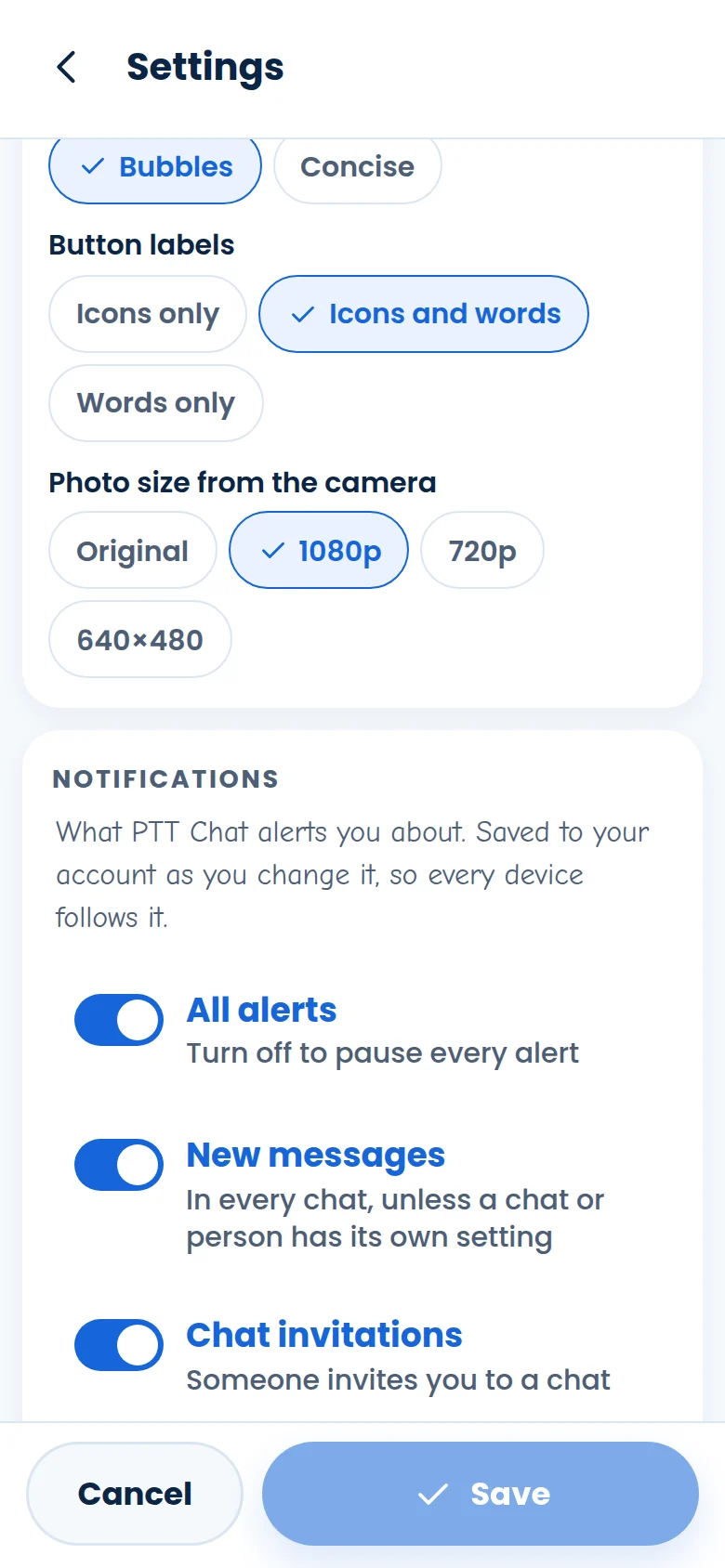
Your chat list now opens with New: chats with unread messages, invitations you haven’t opened and friend requests, with Mark all read. Turn on Alerts on this device in Settings → Notifications and PTT Chat tells you about new messages, even when it isn’t open.
- Choose what alerts you: every chat, one chat (Menu → Alerts), or one person (More on one of their messages).
- Show what was written, or just who wrote it. Add a sound if you like.
- Test in 10 seconds: close the app and watch the test arrive.
- On iPhone and iPad, add PTT Chat to your Home Screen first, then turn alerts on there.
November 6, 2026
Say your location note.
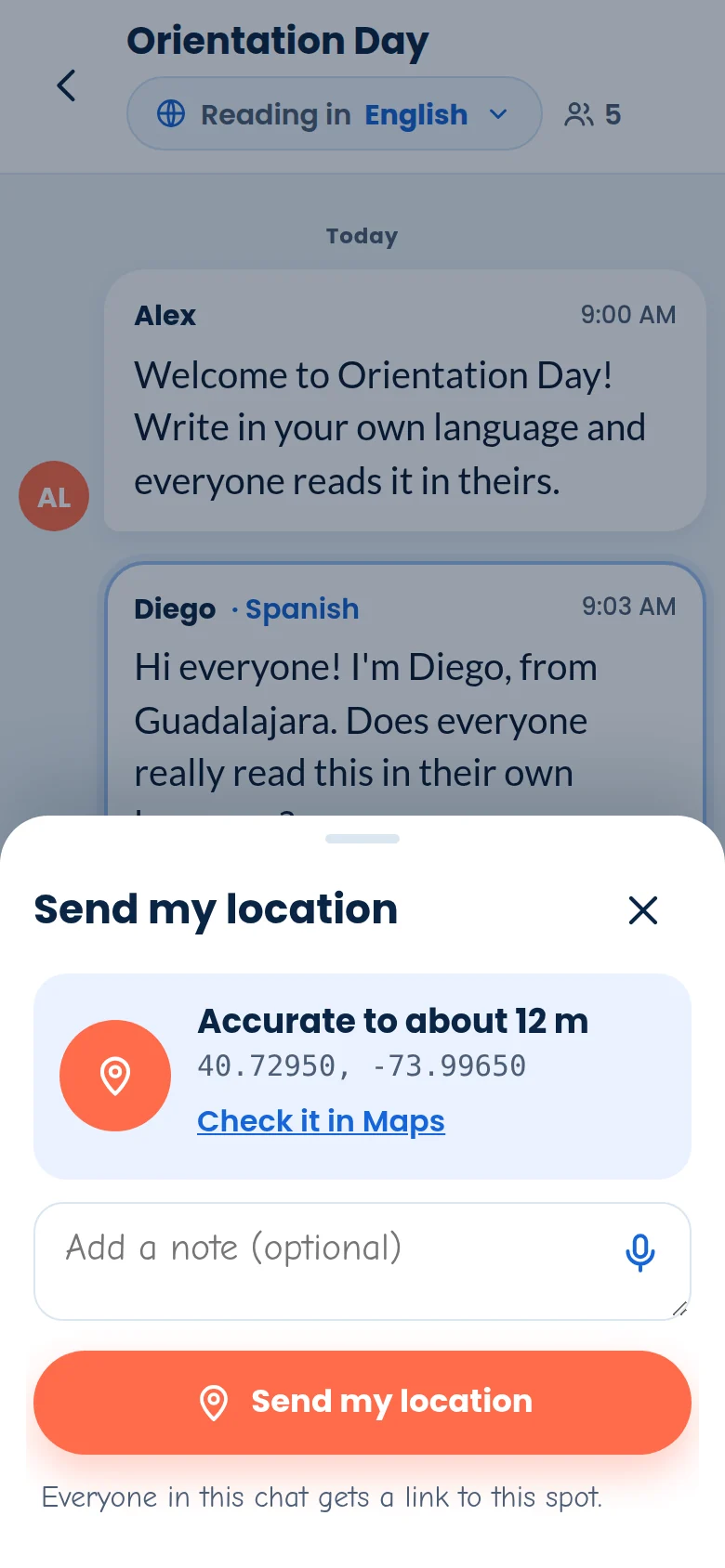
Sharing where you are? Menu → Location now has a mic in the note box, so you can say “by the north doors” instead of typing it. Everyone in the chat gets a map link to the spot.
November 6, 2026
The all-new PTT Chat.
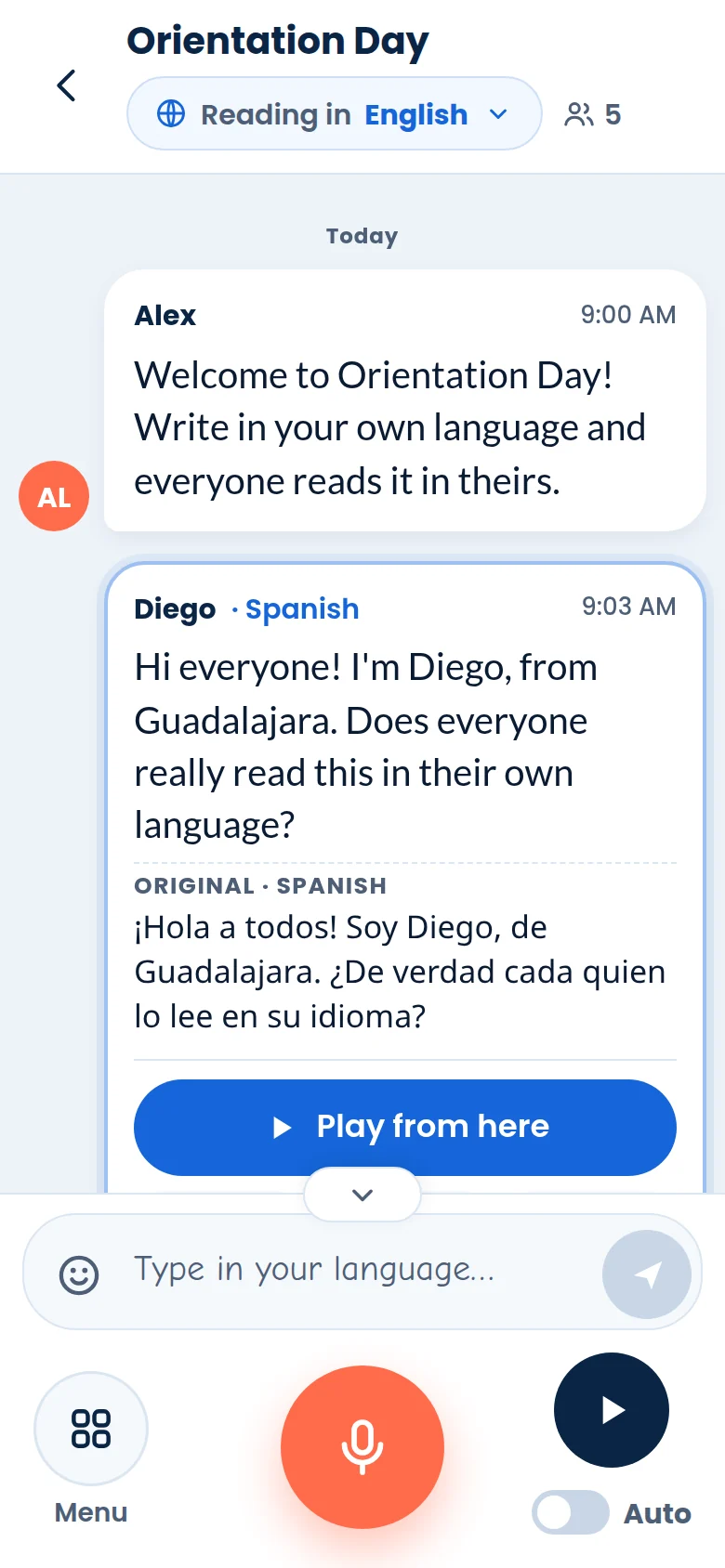
Rebuilt from scratch, at the same address. It’s made for phones first and just as at home on a laptop, and everything you did before still works. On top of that:
A guided tour
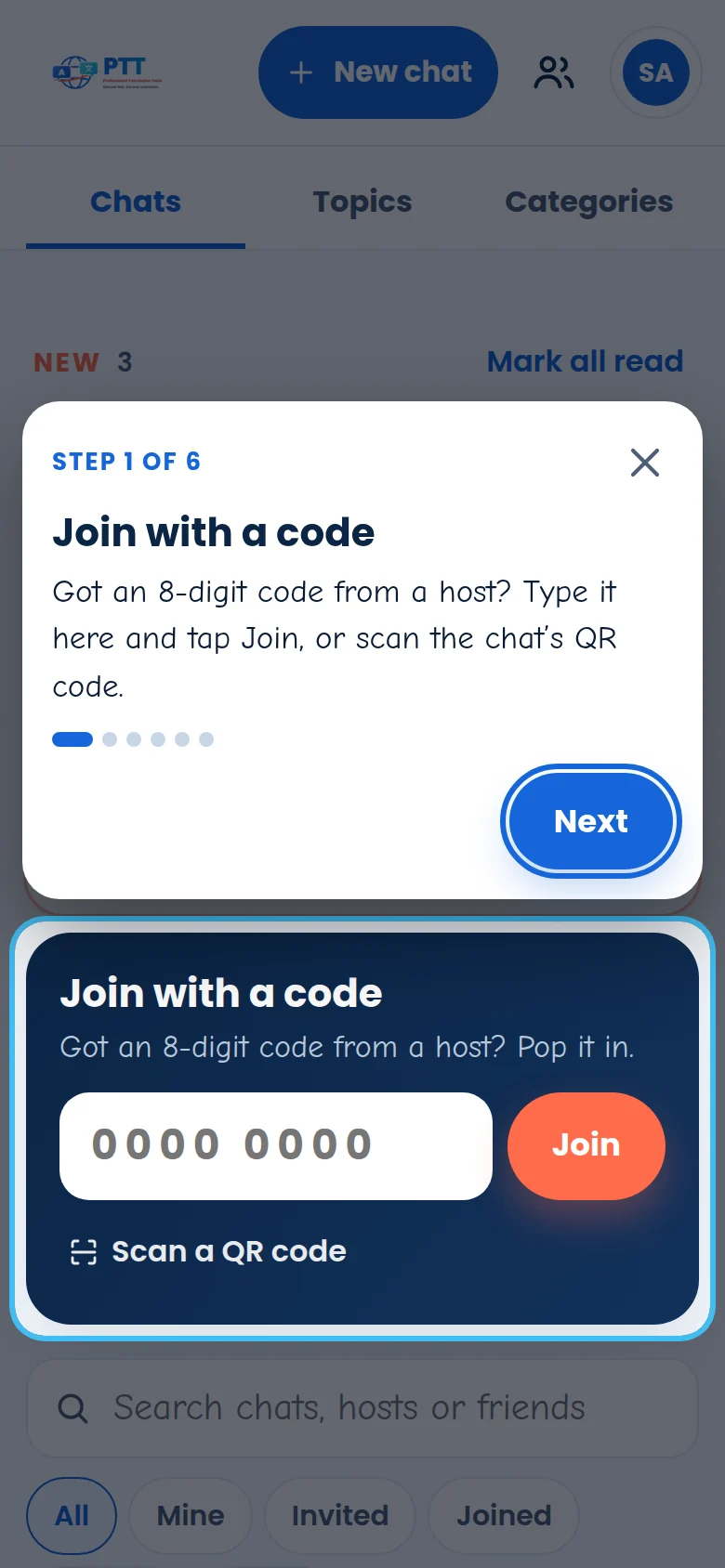
A one-minute tour points out the buttons the first time you sign in and the first time you open a chat. Take it again from your account button, or Menu → Tour.
Find any chat
Search by chat name, host, a friend’s name or the chat code. The Friends filter shows chats your friends host.
Tap a message
Play from here, see the Original as it was written, Copy it, or open More to edit or delete your own.
Sent the moment you send it
Your message shows right away. If one doesn’t go through, it says Not sent, with Send again.
Text size, light and dark
Display has a text size slider, Light, Dark or Automatic, and a Phone or Desktop layout.
Every emoji
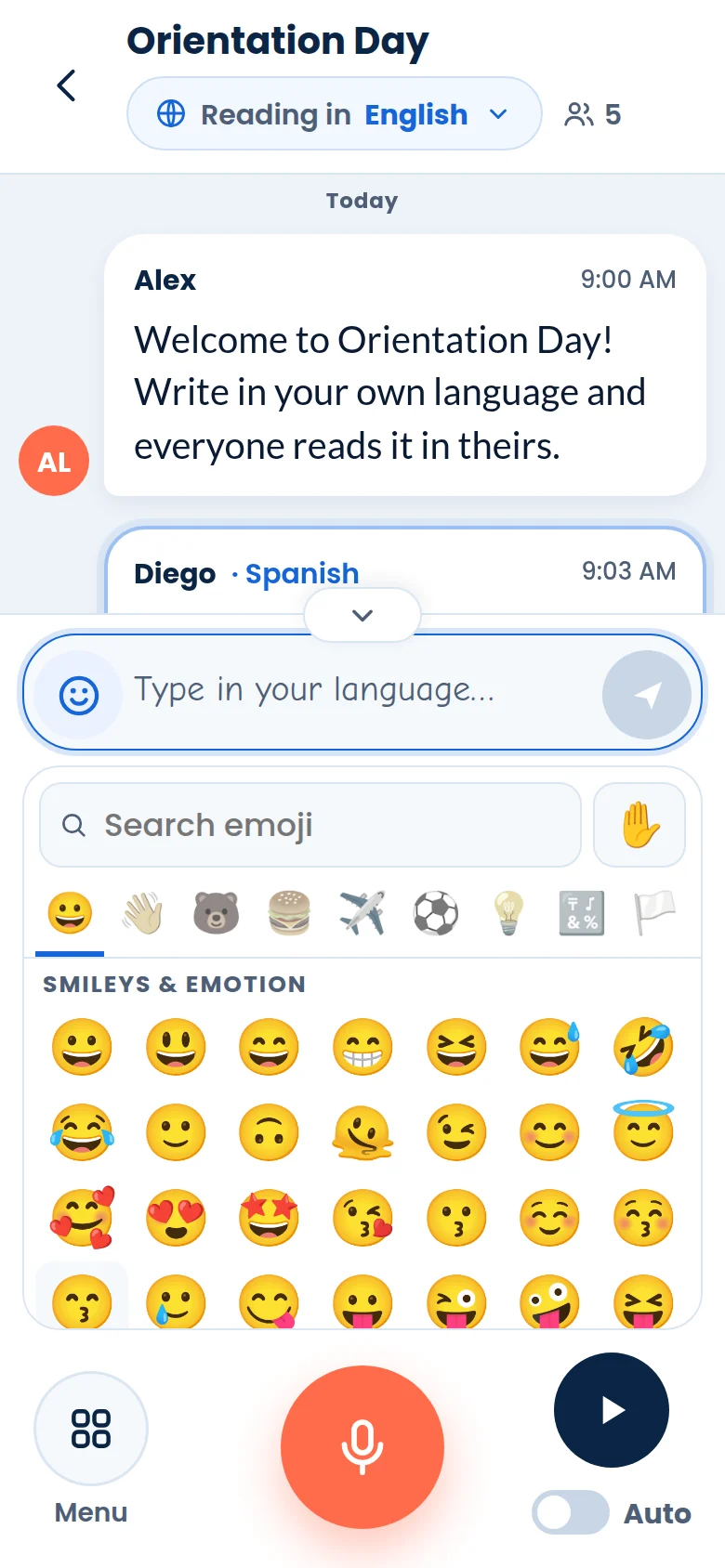
The 😊 in the typing box opens every emoji there is, with search, your recent ones and one skin tone for all.
More room to read
On a phone, tap the tab above the controls, or swipe down on them, to fold them into one short row.
Start from a transcript
New chat → Choose a transcript opens a new chat with a saved conversation already in it, under each person’s name and time.
Your picture, your password
Add a profile picture with Selfie or Attach, and set or change a password, in Settings.
Video beside the chat
Menu → Video call opens the call right next to the conversation, with live captions. Video calls are part of paid plans.
Install it like an app
Add PTT Chat to your Home Screen, or install it from your browser, and it opens in a window of its own.
Everyone at once
Hosts can invite everyone in one tap, and let everyone talk or share in another.
Polish and fixes
Smaller things that make a big difference.
- November 7: desktop alerts now arrive when you’ve switched to another window.
- November 7: a chat’s friends link now brings people into the chat, as well as into your friends.
- November 6: the chat’s mic keeps working after a video call.
- November 6: chats open to all your friends let every friend in again.
- November 6: if your connection drops, sending picks up again by itself.
See it all in action.
Read the step-by-step guide, or learn by doing on a pretend phone in practice mode.